Untitled MMA Game How to Play: Beginner Combat Guide
Untitled MMA Game how to play: learn character customization, style spins, blocking, and match modes, then prepare for your first fights in a Roblox arena.
Updated
How to Start Playing Untitled MMA Game
Your Untitled MMA Game how to play checklist is simple: launch the experience on Roblox, take the tutorial, customize your fighter, and spin for a fighting style. Practice striking, blocking, and grappling in AI fights or sparring before entering casual or ranked matches. On PC, use R to block.
Open Untitled MMA Game on Roblox, then spend some time learning the controls before looking for an opponent. Combat uses physics-driven MMA, so prepare for exchanges on the feet and fights that turn into grappling.
Starting Options in the November 27 Full Release
| Feature | What you can do |
|---|---|
| Fighter customization | Change your height, weight, and fighting style |
| Fighting styles | Spin for disciplines including boxing and Jiu-Jitsu |
| Practice modes | Fight AI opponents or spar |
| Casual fighting | Fight outside the ranked mode |
| Ranked fighting | Compete with ratings |
| Platform support | Play with PC, mobile, or controller controls |
Customize Your Fighter and Choose a Style
Character setup includes height and weight, with multiple weight classes available. Open the customization options and build the fighter you want to learn with.
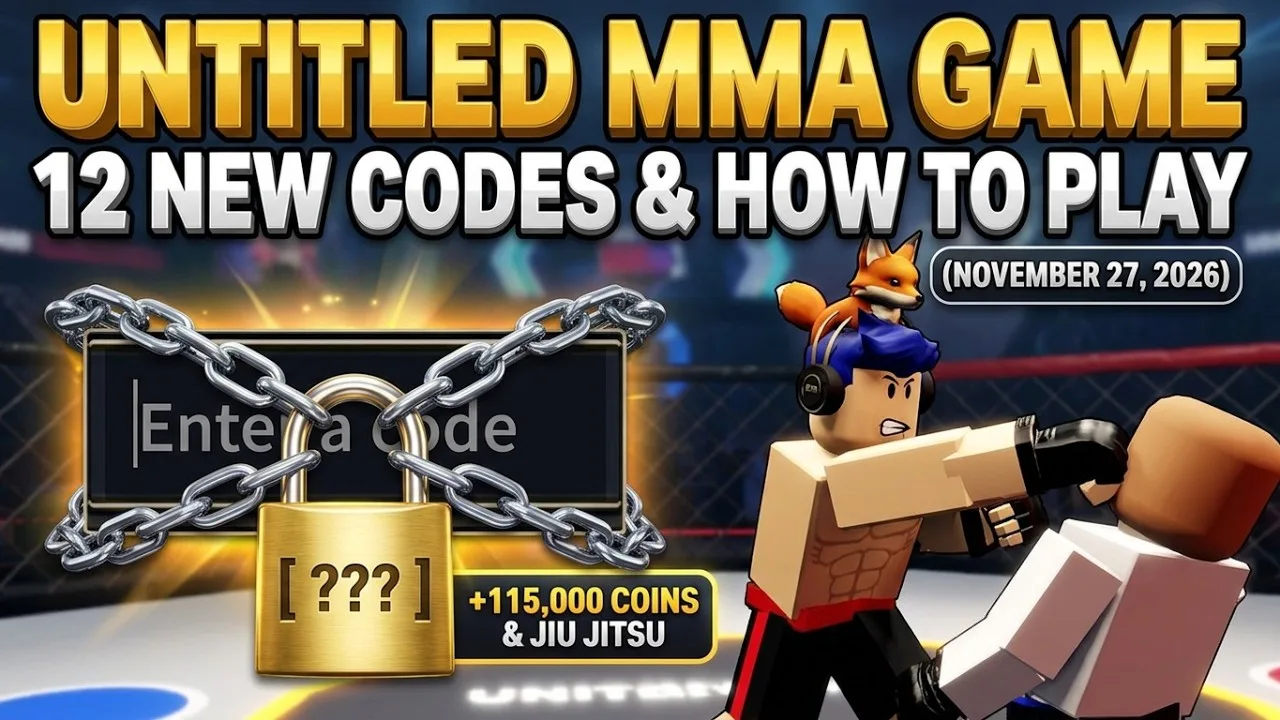
Styles cover disciplines ranging from boxing to Jiu-Jitsu, and Style Spins let you roll for them. Try the style you receive before spending more resources chasing another one. Use practice fights to learn its attacks and get comfortable with how your fighter moves.
Keep these choices separate:
- Height and weight: Customize your fighter’s physical build.
- Fighting style: Explore a different combat discipline through spins.
- Gloves and trunks: Customize your fighter’s appearance.
Avoid changing everything between matches. Practice with one setup long enough to recognize which parts of combat you need to work on.
Learn Blocking Before Trading Punches
On PC, R blocks. Learn that input before concentrating on offense; discovering your defense while an opponent is already pressuring you makes the opening fight harder.
Use AI fights or sparring to work through a few specific goals:
- Practice your punches. Learn to throw left and right punches deliberately.
- Practice blocking. Focus on responding to incoming attacks instead of constantly attacking.
- Practice moving away. Back up during exchanges to rehearse creating space.
- Practice grappling. Use the tutorial to learn what to do when the fight moves beyond standing strikes.
Treat grappling as part of your basic training. Boxing is an available style, but the game also includes ground fighting. Spend practice time learning those situations rather than relying on punches throughout every exchange.
On mobile or controller, use the tutorial to learn your platform’s inputs. The game supports both alongside PC.
Pick a Mode Before Chasing Ranked Ratings
AI fights, sparring, casual matches, and ranked fighting give you different ways to enter combat. Start with AI or sparring while learning your inputs, then try casual matches before committing to the ranked climb.
The November 27 full release expanded the game with:
- Career Mode
- 6 new styles
- Leagues, Stand and Bang Ranked, and Bare Knuckle
- A Season Pass featuring gloves, trunks, emotes, and KO effects
- New walking and footwork for every style
Try the updated movement with your chosen style during practice. Keep ranked for when you can attack, block, and handle grappling without stopping to figure out the controls.
Use Coins and Free Rewards With a Purpose
Coins can purchase Style Spins, Height Rolls, Crates, Gloves, and Trunks. Crates contain cosmetic rewards, so choose purchases around whether you want another style, a height roll, or a different look.
Claim the daily reward when you enter the game. You can also redeem promotional codes through Settings:
- Open Settings in the bottom-right corner.
- Find the Enter Code box.
- Enter your code.
- Select Redeem to claim its rewards.
Use any free Style Spins to explore fighting styles, then return to practice with the one you want to learn. Give that style some time before spending more coins on another roll.
Something wrong or out of date on this page? How to report a correction
Continue with
 Untitled MMA Game Fight Coins: How to Earn and SpendEarn Untitled MMA Game fight coins through AI and 1v1 matches, redeem coin codes, and compare paid boosts before spending on styles, gear, and cosmetics.
More in Guide
See all Guide
Continue exploring
Join the community
Official channels for news, updates and player help: